
Steps:
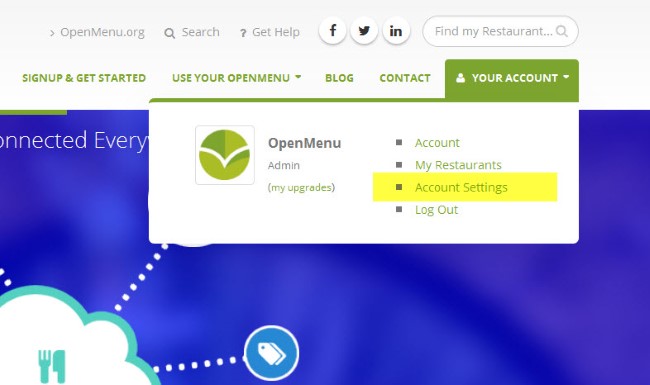
1. Access your Account Settings
2. If you’ve upgraded your account you will see a new section called Credit Card on File. From there press the Update Credit Card button.

3. Enter your new credit card and press the Update Card Details button

Note: For security reasons no credit card information is stored at OpenMenu. All updates and processing are done through our credit card processor.